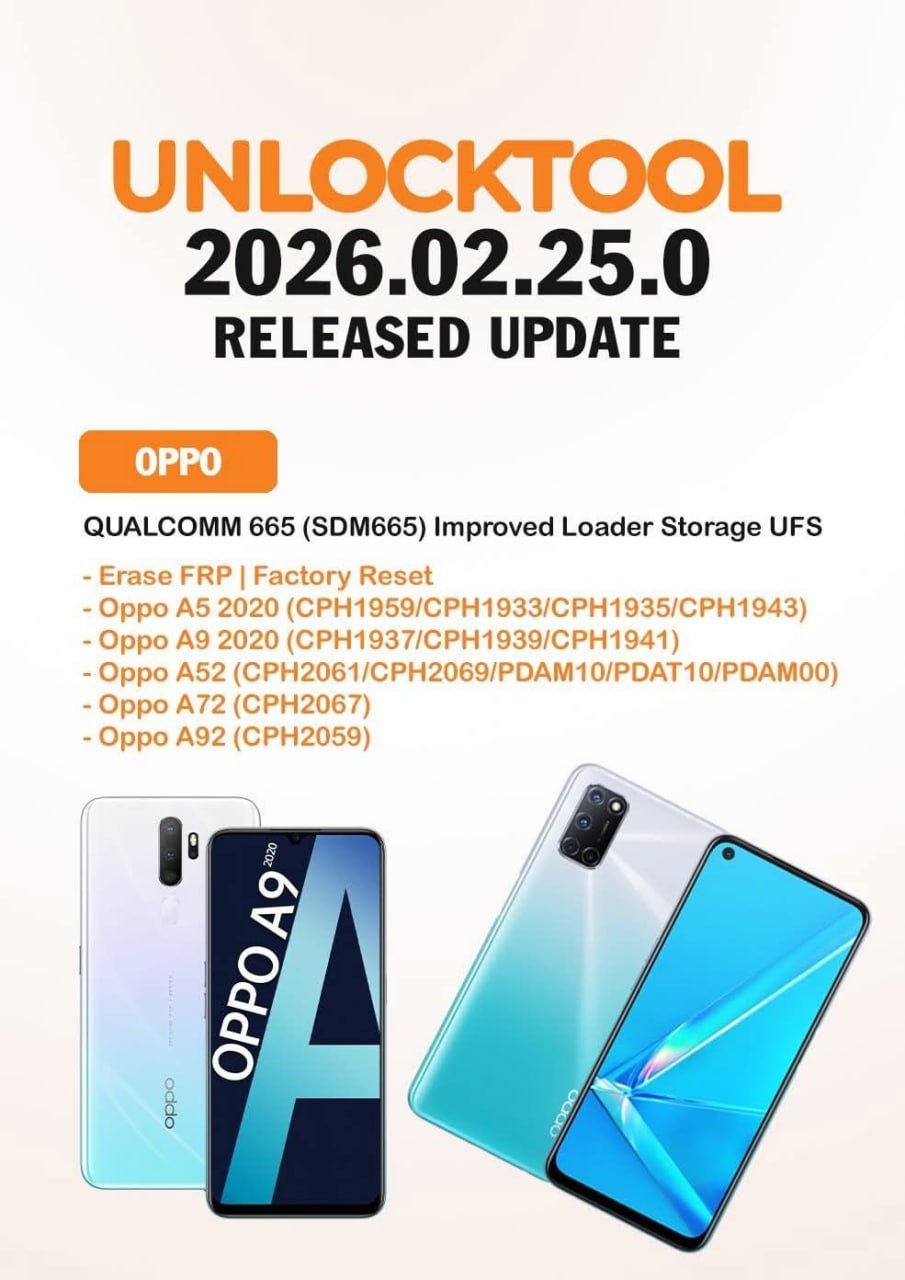
The UnlockTool 2026.02.25.0 Update has officially arrived, bringing significant improvements for OPPO and Realme devices powered by Qualcomm 665 (SDM665). This latest release enhances UFS loader performance, improves FRP erase processes, and strengthens factory reset capabilities for supported models.
Whether you are an individual smartphone user facing FRP lock issues or a professional mobile technician running a repair shop, the UnlockTool 2026.02.25.0 Update provides powerful solutions designed for speed, security, and reliability.
In this comprehensive guide, we’ll explore everything about the UnlockTool 2026.02.25.0 Update — features, supported devices, installation steps, troubleshooting, pricing, and how you can start using it today.
What is UnlockTool 2026.02.25.0 Update and Why It Is Needed?
UnlockTool is a professional Windows-based mobile servicing software designed for unlocking, flashing, FRP removal, IMEI repair, and advanced service operations.
The UnlockTool 2026.02.25.0 Update is the newest version of the software that introduces:
- Improved Qualcomm 665 (SDM665) UFS loader compatibility
- Better support for OPPO and Realme models
- Enhanced FRP erase stability
- Faster factory reset execution
Why This Update Matters
Modern smartphones use advanced security layers. Devices with Qualcomm SDM665 chipset, particularly OPPO and Realme models, often face:
- FRP (Factory Reset Protection) locks
- System lock after hard reset
- Boot or storage access limitations
- Flashing compatibility issues
The UnlockTool 2026 Latest Update directly addresses these challenges, ensuring technicians can work more efficiently and device owners can resolve issues safely.
Key Features of UnlockTool 2026.02.25.0 Update
The UnlockTool 2026.02.25.0 Released version includes powerful enhancements tailored for Qualcomm 665 devices.
1. Improved UFS Loader Storage Support
The UnlockTool SDM665 UFS Loader Update significantly improves read/write stability for UFS storage, reducing:
- Flashing errors
- Dead boot risks
- Storage detection failures
2. FRP Erase & Factory Reset
This version enhances:
- UnlockTool FRP Erase OPPO A5 2020
- UnlockTool Factory Reset OPPO A9 2020
- Stable FRP bypass process
- Quick reset operations without data corruption
3. Expanded Device Compatibility
The UnlockTool OPPO Qualcomm 665 Support ensures better handling of:
- OPPO A5 2020
- OPPO A9 2020
- OPPO A52
- OPPO A72
- OPPO A92
It also strengthens UnlockTool Realme Qualcomm 665 Support for supported variants.
4. Faster Operation Speed
Compared to previous builds, the UnlockTool 2026.02.25.0 Update reduces processing time during:
- Flashing
- FRP removal
- Factory reset
- Bootloader tasks
Supported Devices and Brands
The UnlockTool 2026.02.25.0 Update primarily improves support for Qualcomm 665 (SDM665) chipset devices.
OPPO Devices Supported
- Oppo A5 2020 (CPH1959 / CPH1933 / CPH1935 / CPH1943)
- Oppo A9 2020 (CPH1937 / CPH1939 / CPH1941)
- Oppo A52 (CPH2061 / CPH2069 / PDAM10 / PDAT10 / PDAM00)
- Oppo A72 (CPH2067)
- Oppo A92 (CPH2059)
This includes:
- UnlockTool OPPO A52 FRP Unlock
- UnlockTool OPPO A72 FRP Remove
- UnlockTool OPPO A92 Unlock
Realme Devices
With enhanced UnlockTool Realme Qualcomm 665 Support, Realme devices using SDM665 chipset benefit from improved loader compatibility.
Download and Installation Process
To access the UnlockTool 2026.02.25.0 Update, always use the official website:
Avoid third-party websites to prevent malware risks.

Step-by-Step Installation Guide
Step 1: Download the Installer
Visit the official website and download the latest UnlockTool 2026.02.25.0 Update version.
Step 2: Disable Antivirus (Temporarily)
Some security programs may falsely detect servicing tools. Temporarily disable antivirus before installation.
Step 3: Run as Administrator
Right-click the installer and select “Run as Administrator.”
Step 4: Complete Installation
Follow the on-screen instructions and finish setup.
Step 5: Launch the Tool
Open the software after installation.
How to Register and Activate
To use the UnlockTool 2026.02.25.0 Update, activation is required.
- Visit the registration page
- Create an account
- Purchase a subscription plan
- Login inside the software
- Activate your license
Professional users can register multiple systems depending on their subscription plan.

How to Use UnlockTool 2026.02.25.0 Update
The UnlockTool 2026.02.25.0 Update is designed for both beginners and professionals.
FRP Unlock Process
For OPPO A5 2020
- Select Qualcomm module
- Choose correct model
- Connect device in EDL mode
- Click “Erase FRP”
This enables UnlockTool FRP Erase OPPO A5 2020 functionality safely.
For OPPO A72 & A52
The UnlockTool OPPO A72 FRP Remove and UnlockTool OPPO A52 FRP Unlock options provide:
- Secure FRP bypass
- No firmware downgrade required
- Minimal risk of data corruption
Network Unlock
For supported devices:
- Connect device
- Select unlock option
- Wait for completion
- Reboot device
IMEI Repair and Advanced Services
Professional technicians can use:
- IMEI repair (where legally allowed)
- Firmware flashing
- Boot repair
- Factory reset
Always follow local regulations when performing IMEI modifications.
Comparison with Other Tools
| Feature | UnlockTool 2026.02.25.0 Update | Other Tools |
|---|---|---|
| Qualcomm 665 UFS Loader | Improved & Stable | Limited |
| OPPO FRP Support | Advanced | Basic |
| Realme Support | Enhanced | Moderate |
| Regular Updates | Yes | Inconsistent |
| User Interface | Beginner Friendly | Complex |
The UnlockTool 2026 Latest Update stands out for reliability and consistent development.
Safety Tips and Legal Considerations
When using the UnlockTool 2026.02.25.0 Update:
- Use only for legitimate devices
- Verify ownership before FRP removal
- Follow regional laws regarding IMEI repair
- Avoid unofficial cracked versions
Professional repair shops should maintain documentation for compliance.
Troubleshooting Common Errors
Device Not Detected
- Install Qualcomm drivers
- Use original USB cable
- Try different USB port
Login Failed
- Check subscription validity
- Verify internet connection
FRP Removal Failed
- Confirm correct model selection
- Ensure device is in EDL mode
Pricing and Subscription Plans
UnlockTool operates on a subscription model.
Typical plans may include:
- 3 Months
- 6 Months
- 12 Months
Pricing may vary depending on region and reseller.
For latest pricing, visit official registration page:
https://unlocktool.net/register/
Frequently Asked Questions (FAQ)
What is UnlockTool 2026.02.25.0 Update?
It is the latest software release improving Qualcomm 665 support, FRP removal, and OPPO/Realme compatibility.
Is UnlockTool safe?
Yes, when downloaded from the official website and used legally.
Does it support OPPO A92?
Yes, UnlockTool OPPO A92 Unlock is supported in this version.
Can beginners use it?
Yes. The interface is user-friendly, but basic technical knowledge is recommended.
Is internet required?
Yes, active internet connection is required for login and activation.
Final Thoughts – Should You Use UnlockTool 2026.02.25.0 Update?
The UnlockTool 2026.02.25.0 Update is a significant improvement for Qualcomm 665-based devices. With improved UFS loader support, enhanced FRP erase stability, and expanded OPPO/Realme compatibility, this update is ideal for:
- Professional mobile repair shops
- Freelance technicians
- Advanced individual users
If you regularly handle OPPO A5 2020, A9 2020, A52, A72, or A92 devices, upgrading to the UnlockTool 2026.02.25.0 Update is highly recommended.