Smartphone security has become stronger than ever. While this protects users, it can also create serious challenges when devices get locked due to forgotten passwords, FRP locks, carrier restrictions, or software corruption. This is where the Motorola unlock tool becomes essential.
Whether you are:
- A regular user locked out of your device
- A mobile repair technician
- A professional GSM service provider
- A mobile repair shop owner
This complete guide will explain everything you need to know about the Motorola unlock tool — features, supported devices, installation steps, usage methods, safety tips, pricing, and more.
By the end of this article, you’ll understand how to use this powerful solution effectively and safely.
What is Motorola Unlock Tool and Why It Is Needed?
The Motorola unlock tool is a professional software designed to remove various types of locks and perform advanced services on Motorola devices. It allows users and technicians to bypass security protections, repair software issues, and restore device functionality.
Why Is It Needed?
Motorola devices may become locked due to:
- FRP (Factory Reset Protection)
- Forgotten screen password or pattern
- Carrier/network restrictions
- MDM (Mobile Device Management) lock
- Corrupted firmware
- IMEI-related issues
- Bootloader restrictions
Instead of expensive service center visits, the Motorola unlock tool provides a faster and more cost-effective solution.
Who Should Use It?
- Individual users who forgot their password
- Repair technicians handling multiple devices daily
- GSM unlocking professionals
- Resellers and refurbishers
- Corporate IT technicians
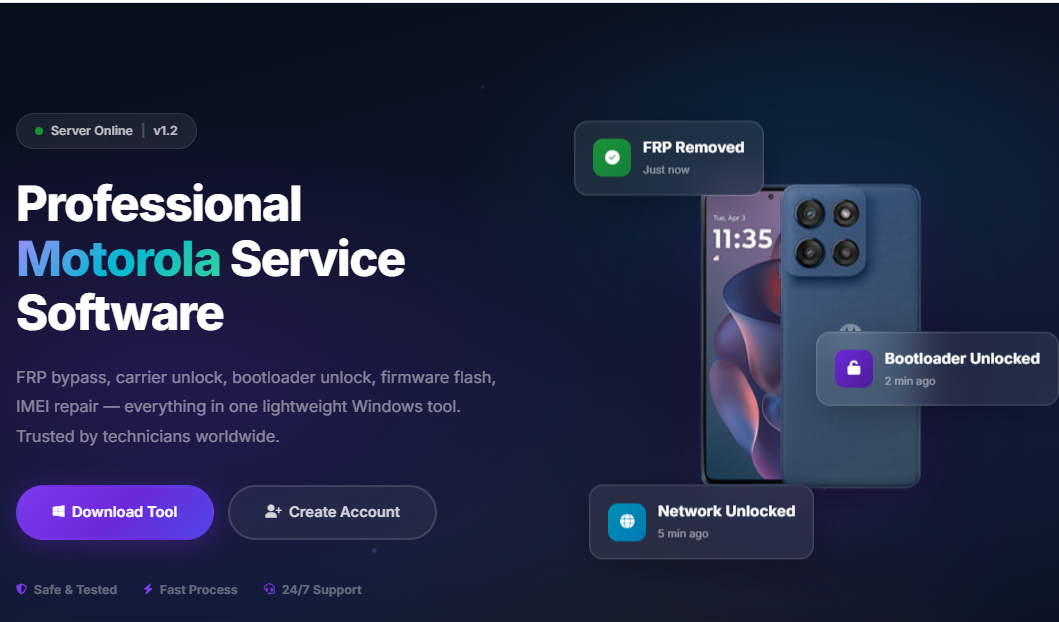
It works as an all-in-one Motorola FRP Bypass Tool, Motorola Bootloader Unlock Tool, Motorola Network Unlock Software, and Motorola IMEI Repair Tool in a single platform.
Key Features of Motorola Unlock Tool (Latest Version)
The latest version of the Motorola unlock tool comes packed with advanced features designed for both beginners and professionals.
FRP Bypass Function
- Remove Google account lock after factory reset
- Support for new Android security patches
- One-click FRP removal process
- Safe and secure bypass mechanism
This makes it a reliable Motorola FRP Bypass Tool.
Bootloader Unlock Support
- Unlock bootloader for advanced modifications
- Enable custom ROM installation
- Root device easily
- Developer-friendly environment
Acts as a professional Motorola Bootloader Unlock Tool.
Network / Carrier Unlock
- Remove SIM restrictions
- Unlock international carrier limitations
- Support for global Motorola models
Perfect Motorola Network Unlock Software for GSM shops.
IMEI Repair & Write
- Repair corrupted IMEI
- Restore baseband
- Fix “No Service” issues
This function positions it as a powerful Motorola IMEI Repair Tool.
Firmware Flashing
- Flash stock ROM
- Fix bootloop
- Remove malware
- Restore bricked devices
Works efficiently as a Motorola Flash Tool.
Pattern & Password Removal
- Remove screen locks
- Remove PIN and pattern lock
- Safe data handling options
Also works as a Motorola Pattern Unlock Tool.
MDM Bypass
- Remove enterprise lock
- Disable device management restrictions
Effective Motorola MDM Bypass Tool functionality included.
Supported Devices and Brands
The Motorola unlock tool supports a wide range of Motorola models including:
- Moto G Series
- Moto E Series
- Moto Edge Series
- Moto One Series
- Motorola Razr models
- Qualcomm-based devices
- MediaTek-based devices
Supported Chipsets
- Qualcomm Snapdragon
- MediaTek
- Some Unisoc-based models
The tool is regularly updated to support new models and security patches.
Download and Installation Process
Motorola Unlock Software Download
To begin using the Motorola unlock tool:
- Visit the official website.
- Go to the Download section.
- Download the latest version.
- Disable antivirus temporarily (if required).
- Extract the ZIP file.
Always download from the official source to avoid malware.

Step-by-Step Installation Guide
Step 1: Extract Files
Right-click the downloaded file and select “Extract Here.”
Step 2: Install Drivers
Install Motorola USB drivers and ADB & Fastboot drivers.
Step 3: Run Setup
Double-click setup.exe and follow on-screen instructions.
Step 4: Launch Software
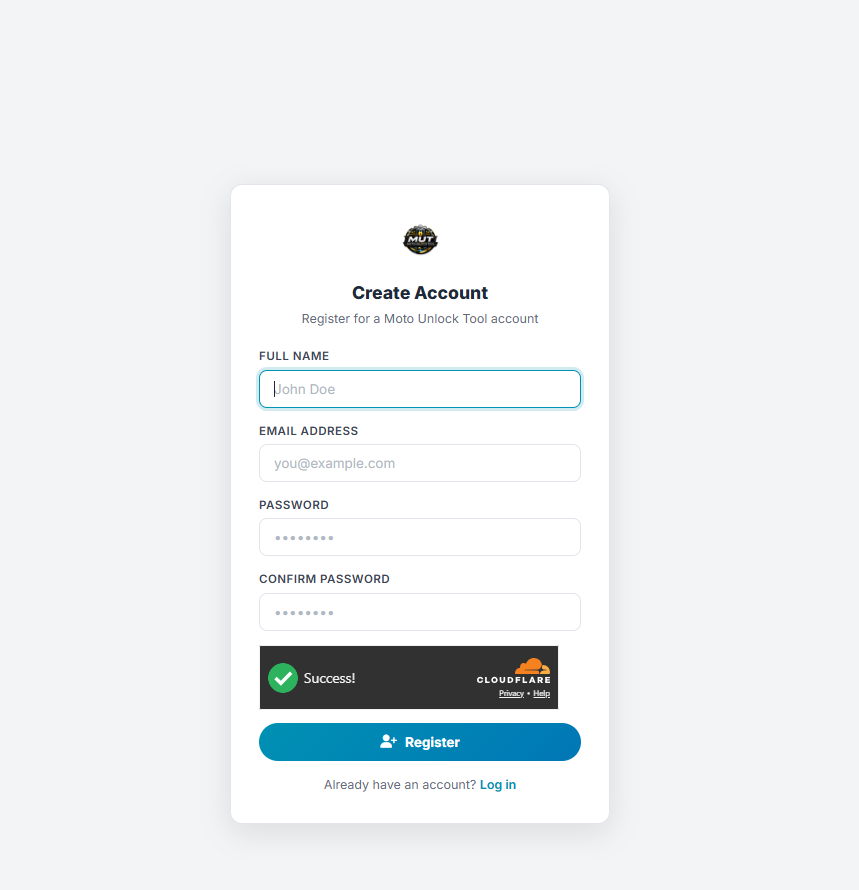
Open the Motorola unlock tool and login or register.
How to Register and Activate
- Create a new account.
- Enter your email and password.
- Choose subscription plan.
- Complete payment.
- Receive activation key.
- Enter activation key inside software.
For instant activation, contact via:
- WhatsApp support number
- Telegram support channel
Activation is usually completed within minutes.
How to Use Motorola Unlock Tool (For Owners & Technicians)
The Motorola unlock tool is designed with a simple interface suitable for beginners and professionals.
FRP Unlock Process
- Open Motorola unlock tool.
- Connect device in Fastboot/EDL mode.
- Select “FRP Remove.”
- Click Start.
- Wait for process completion.
- Reboot device.
Your Google account lock will be removed.
Network Unlock Process
- Select Network Unlock option.
- Connect device.
- Read device info.
- Click Unlock.
- Wait for confirmation.
Device will accept all SIM cards.
IMEI Repair & Other Services
- Select IMEI Repair tab.
- Enter correct IMEI number.
- Click Write IMEI.
- Reboot device.
Always ensure legal compliance before performing IMEI services.
Comparison with Other Tools
| Feature | Motorola Unlock Tool | Generic Unlock Tool | Box-Based Tool |
|---|---|---|---|
| FRP Bypass | Yes | Limited | Yes |
| Bootloader Unlock | Yes | No | Partial |
| IMEI Repair | Yes | Rare | Yes |
| Network Unlock | Yes | Partial | Yes |
| Regular Updates | Yes | No | Depends |
| Easy UI | Yes | Moderate | Complex |
The Motorola unlock tool stands out due to its all-in-one functionality and regular updates.
Safety Tips and Legal Considerations
Using the Motorola unlock tool responsibly is essential.
Safety Tips
- Always backup device data
- Use original USB cable
- Ensure stable internet connection
- Do not disconnect device during process
Legal Considerations
- Only unlock devices you own
- Obtain customer authorization
- Follow local laws regarding IMEI repair
- Avoid unauthorized modifications
Troubleshooting Common Errors
Device Not Detected
- Reinstall USB drivers
- Try different USB port
- Use original cable
FRP Not Removing
- Update to latest version
- Try alternative mode (EDL/Fastboot)
Activation Failed
- Check internet connection
- Contact WhatsApp support
- Verify subscription validity
Pricing and Subscription Plans
The Motorola unlock tool usually offers flexible plans:
- Daily plan
- Weekly plan
- Monthly plan
- Yearly subscription
- Lifetime license (limited offers)
Pricing varies depending on features and activation duration.
For bulk technician accounts or reseller pricing, contact via Telegram or WhatsApp.
Frequently Asked Questions (FAQs)
- Is Motorola unlock tool safe?
Yes, when downloaded from the official source and used correctly. - Can beginners use it?
Yes. The interface is beginner-friendly, but basic knowledge is helpful. - Does it support latest Android versions?
Yes, regular updates ensure compatibility. - Will it erase my data?
Some functions may erase data. Always backup first. - Is it legal?
It is legal for personal device recovery and authorized repair services. Follow your country’s regulations.
Final Thoughts – Download, Register & Get Started Today
The Motorola unlock tool is an essential solution for unlocking, repairing, and restoring Motorola devices. It combines the functionality of a Motorola FRP Bypass Tool, Motorola Bootloader Unlock Tool, Motorola Network Unlock Software, Motorola IMEI Repair Tool, Motorola Flash Tool, Motorola Pattern Unlock Tool, and Motorola MDM Bypass Tool into one powerful system.