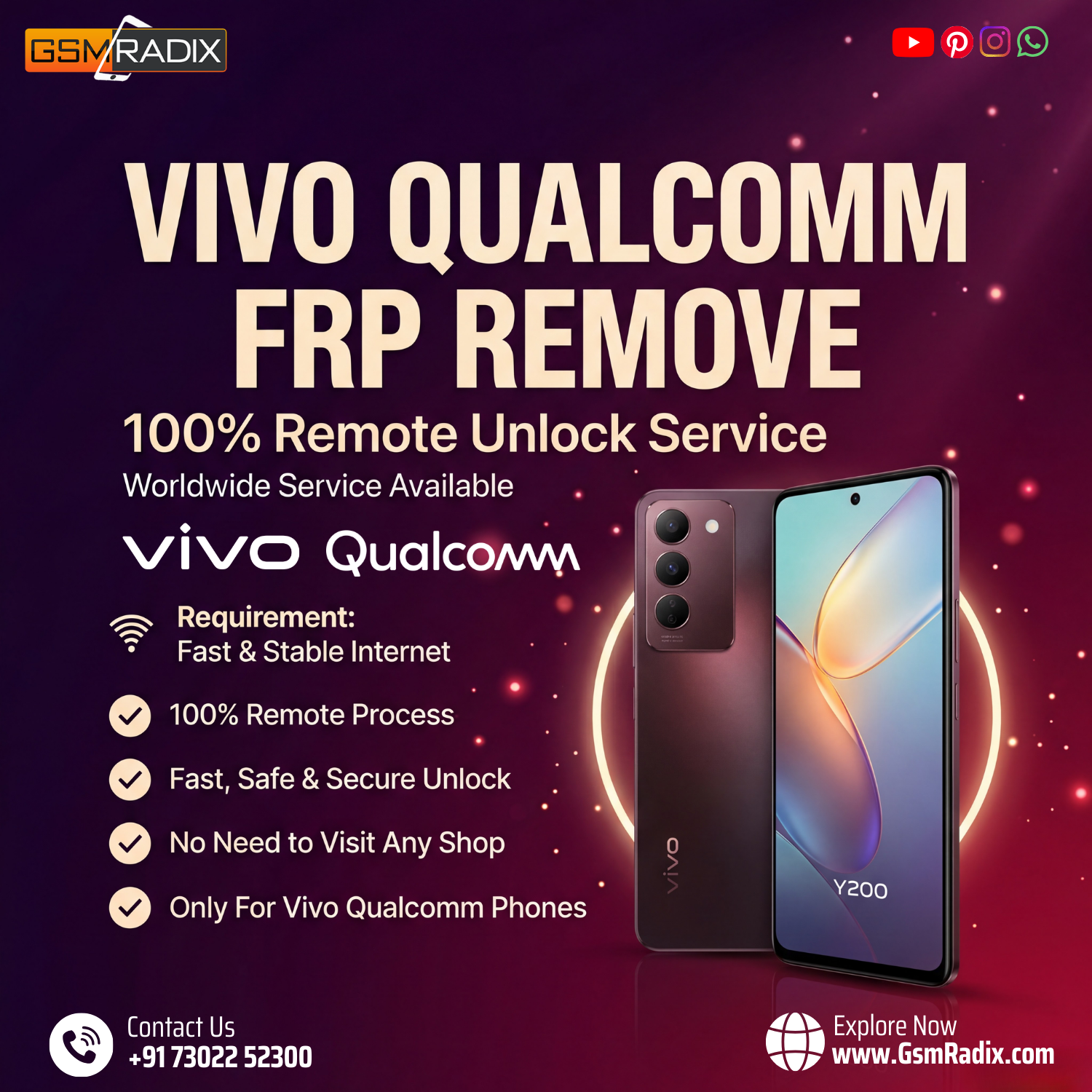
Factory Reset Protection (FRP) protects Android devices from unauthorized access after a reset. However, if the Google account is forgotten, the device may become locked.
The Vivo Qualcomm FRP Remove Remote Service allows users and technicians to unlock FRP-locked Vivo Qualcomm devices quickly through a secure remote process without visiting a repair shop.
What is Vivo Qualcomm FRP Remove Remote Service and Why It Is Needed
The Vivo Qualcomm FRP Remove Remote Service is a professional unlocking solution that allows users to remove the Google Factory Reset Protection lock from Vivo smartphones remotely.
FRP locks activate when:
- A phone is factory reset without removing the Google account.
- A user forgets their Google account credentials.
- A second-hand phone still has the previous owner’s account.
- Devices are locked after system flashing.
In these situations, the Vivo Qualcomm FRP Unlock Remote Service helps bypass the FRP lock quickly and securely.
Why Users Need This Service
Many legitimate cases require FRP removal:
- Second-hand phone buyers
- Repair shops handling customer devices
- Users who forgot their Google account
- Technicians repairing software issues
Using the Vivo Qualcomm FRP Unlock Service Online, devices can be unlocked without complicated tools or risky methods.
Key Features of Vivo Qualcomm FRP Remove Remote Service (Latest Version)
The latest Best Vivo Qualcomm FRP Remove Remote Service 2025 includes several advanced features designed for both professionals and beginners.
1. 100% Remote Unlock Process
No need to physically send your device. The entire unlocking procedure is completed online.
2. Fast Unlock Time
Most devices are unlocked within minutes depending on the model and connection stability.
3. No Box Required
The Vivo FRP Unlock Without Box option eliminates the need for expensive hardware tools.
4. Worldwide Service
The Vivo FRP Remote Unlock Worldwide service allows technicians from any country to use the platform.
5. Professional Technician Support
Repair professionals can use the Vivo FRP Unlock For Technicians solution to handle multiple devices.
6. Secure Unlocking Method
The service ensures data integrity and safe unlocking.
7. Supports Multiple Qualcomm Models
The system supports a wide range of Vivo Qualcomm devices.
8. Compatible With Latest Updates
The Vivo Qualcomm FRP Remove Remote Service update ensures compatibility with newer Android versions.
Supported Devices and Brands
The Remove FRP Lock Vivo Qualcomm Devices service mainly supports Vivo smartphones powered by Qualcomm processors.
Popular Supported Vivo Models
- Vivo Y20
- Vivo Y21
- Vivo Y30
- Vivo Y31
- Vivo Y33
- Vivo Y50
- Vivo Y51
- Vivo Y73
- Vivo Y75
- Vivo Y91
- Vivo Y95
- Vivo Y200
Support may vary depending on security patch levels and firmware versions.
Technicians should always confirm compatibility before starting the process.
Download and Installation Process
Although the service is remote-based, technicians may require a small mobile unlock program or phone unlock app to connect the device.

Step-by-Step Installation Guide
- Download the official software from the service provider website.
- Extract the downloaded file.
- Install the mobile unlock program on your computer.
- Install necessary USB drivers for Vivo devices.
- Restart your computer after installation.
System Requirements
- Windows 10 or Windows 11
- Stable internet connection
- USB cable
- Qualcomm drivers installed
How to Register and Activate
To start using the Vivo Qualcomm FRP Unlock Service Online, follow these steps:
- Create an account on the service platform.
- Login to the mobile unlock software.
- Purchase activation credits.
- Connect the device to the computer.
- Select the FRP remove option.
Once activated, the system will process the unlocking request remotely.
How to Use Vivo Qualcomm FRP Remove Remote Service
The process is simple and designed for both beginners and professional technicians.
Step-by-Step Usage
- Install the required unlocking tool.
- Connect the Vivo phone using a USB cable.
- Boot the device into the required mode.
- Login to your service account.
- Select FRP Remove option.
- Wait for the process to complete.
Once finished, the device will reboot without the Google lock.
Vivo FRP Remove Without PC Tool
Some services also provide remote access where technicians perform the unlocking directly using remote software.
This allows Vivo FRP Remove Without PC Tool solutions for users who do not have advanced technical knowledge.
IMEI Repair and Other Services
Many professional unlocking platforms also include additional services such as:
- IMEI repair
- Network unlock
- Bootloader unlock
- Firmware flashing
- Device diagnostics
These services are especially useful for repair shops using a professional mobile unlock program.
Comparison With Other Tools
| Feature | Remote Service | Traditional FRP Tools |
|---|---|---|
| Hardware Required | No | Yes |
| Complexity | Easy | Moderate |
| Risk Level | Low | Medium |
| Remote Support | Yes | No |
| Updates | Automatic | Manual |
The Vivo Qualcomm FRP Remove Remote Service is generally faster and safer compared to manual tools.
Safety Tips and Legal Considerations
Before using any phone unlock app or FRP bypass service, users should consider legal and ethical guidelines.
Important Safety Tips
- Only unlock devices you legally own.
- Do not use the service on stolen devices.
- Always keep backup data when possible.
- Use trusted service providers.
Following these rules ensures responsible use of the Professional Vivo FRP Unlock Service.
Troubleshooting Common Errors
Technicians may sometimes face issues during the unlocking process.
Device Not Detected
Possible causes:
- Missing USB drivers
- Faulty cable
- Incorrect USB mode
Solution:
Install Qualcomm drivers and reconnect the device.
Unlock Process Failed
Possible reasons:
- Internet interruption
- Unsupported firmware
- Server issue
Solution:
Retry the process after checking your connection.
Login Error
Ensure that your account activation is completed and your subscription is valid.
Pricing and Subscription Plans
Most providers offer flexible pricing for the Vivo Qualcomm FRP Remove Remote Service.
Typical Pricing Options
| Plan | Duration | Best For |
|---|---|---|
| Single Unlock | Per Device | Individual users |
| Monthly Plan | 30 Days | Small repair shops |
| Professional Plan | 6–12 Months | Technicians & resellers |
Bulk activation plans are usually available for professional technicians.
Frequently Asked Questions (FAQs)
What is the Vivo Qualcomm FRP Remove Remote Service?
It is an online unlocking solution that removes Google FRP locks from Vivo Qualcomm devices remotely.
Is the service safe?
Yes, when used through trusted providers, the process is safe and secure.
Do I need special tools?
No hardware box is required for most cases.
Can technicians use this service?
Yes, it is widely used as a Vivo FRP Unlock For Technicians solution.
How long does the process take?
Most devices are unlocked within a few minutes.
Final Thoughts
The Vivo Qualcomm FRP Remove Remote Service has become one of the most efficient solutions for unlocking FRP-locked Vivo smartphones. With remote access, fast processing, and technician-friendly features, it offers a reliable alternative to complicated manual tools.
Whether you are a smartphone user who forgot their Google account or a professional technician managing multiple devices, this service can save time and effort.