
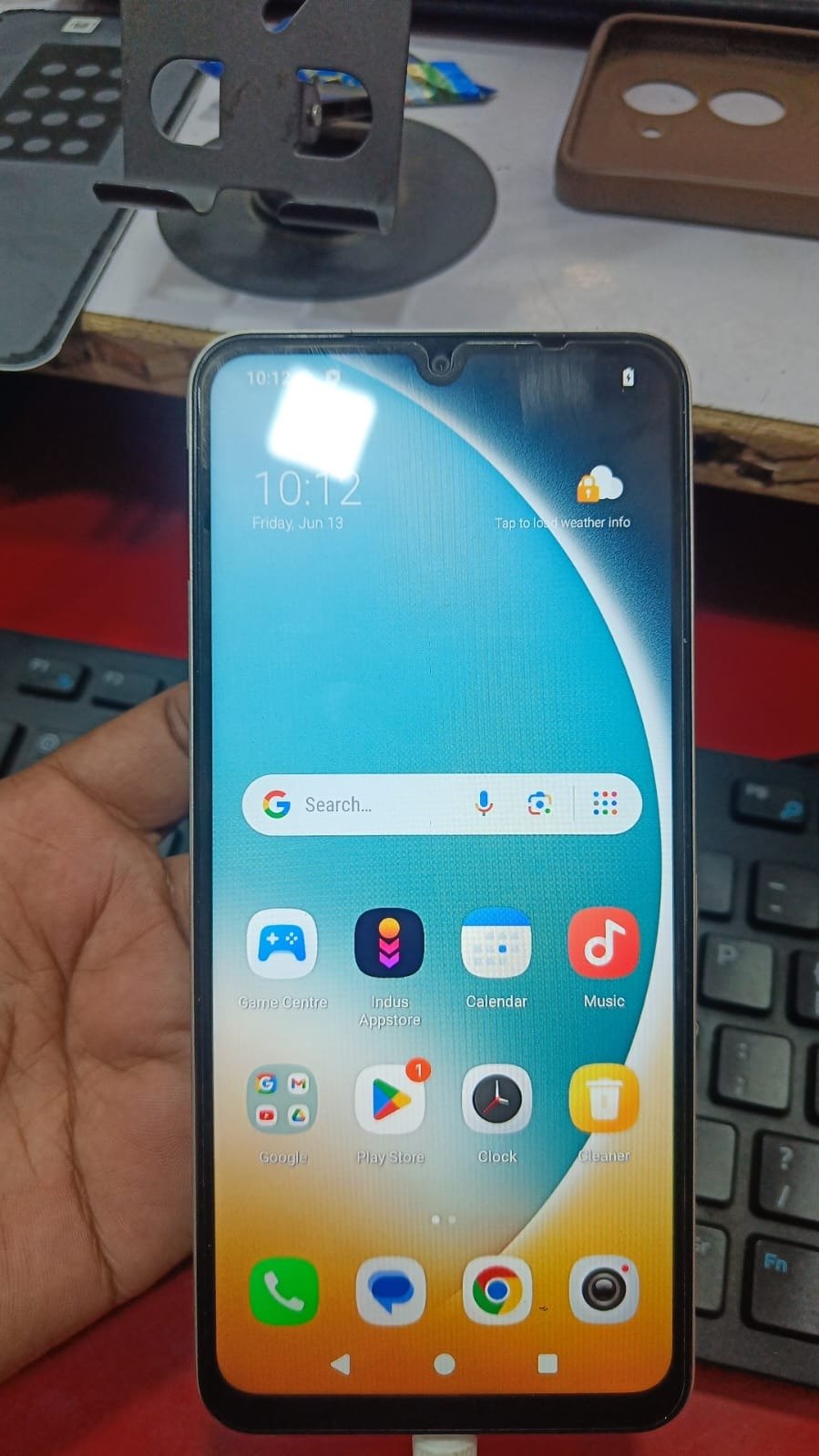
If you’re stuck with a Google verification lock on your device, Poco C71 FRP Unlock (SPD) is the most reliable solution available today. Whether you’re an individual user or a professional mobile technician, dealing with Factory Reset Protection (FRP) can be frustrating—but not anymore.
In this complete guide, you’ll learn everything about Poco C71 FRP Unlock (SPD), including how it works, its benefits, features, supported services, and how you can get it done remotely without complicated tools or risky methods.
What is Poco C71 FRP Unlock (SPD) and Why It is Needed
Understanding FRP Lock
Factory Reset Protection (FRP) is a security feature introduced by Google to protect Android devices from unauthorized access. After a factory reset, the device requires the previously synced Google account credentials.
However, problems arise when:
- You forget your Google account credentials
- You buy a second-hand device with FRP lock
- The device is reset without proper account removal
That’s where Poco C71 FRP Unlock (SPD) becomes essential.
Why Poco C71 FRP Unlock (SPD) is Important
The Poco C71 FRP Unlock (SPD) solution helps you:
- Remove Google account lock instantly
- Regain full access to your device
- Avoid costly hardware repairs
- Save time with remote processing
It is especially useful for technicians handling multiple devices daily.
Key Features of Poco C71 FRP Unlock (SPD) (Latest Version)
Core Features
- 100% Remote FRP Unlock (No installation needed)
- Fast processing (within minutes)
- Supports latest Android security patches
- Safe and secure method
- No risk of device damage
Advanced Features
- Supports Poco C71 Google Account Remove instantly
- Works with Poco C71 SPD FRP Remove method
- Compatible with latest firmware updates
- Professional-grade remote service
Supported Devices and Brands
Although this guide focuses on Poco C71 FRP Unlock (SPD), the service may also support multiple brands:
| Brand | Models Supported | Service Type |
|---|---|---|
| Xiaomi | Poco & Redmi Series | FRP Unlock |
| Vivo | SPD Devices | FRP + Auth Services |
| Realme | Entry-Level Models | FRP Bypass |
| Samsung | Selected Models | FRP Unlock |
How Poco C71 FRP Unlock (SPD) Works (Remote Process)
Since this is a remote service, no download or installation is required.
Basic Requirements
- Stable internet connection
- USB cable
- PC/Laptop
- AnyDesk / TeamViewer
How to Use Poco C71 FRP Unlock (SPD)
For Individual Users
If you are a normal user:
- Contact support via WhatsApp or Telegram
- Share your device details
- Connect your device to PC
- Allow remote access
- Technician performs Poco C71 FRP Unlock (SPD)
Your device will be unlocked within minutes.
For Technicians / Repair Shops
If you are a professional:
- Use Poco C71 FRP Unlock Online service for clients
- Save time compared to manual bypass
- Increase daily job completion rate
- Offer premium remote unlocking services
FRP Unlock Process
- Connect device
- Enable required modes
- Remote technician executes unlock
- Device reboots without Google lock
Additional Services
Along with Poco C71 FRP Unlock (SPD), you may also get:
- Poco C71 FRP Bypass
- Network Unlock (if supported)
- Software repair solutions
- Advanced unlocking services
Comparison with Other FRP Methods
| Feature | Remote Service | Free Methods | Local Tools |
|---|---|---|---|
| Success Rate | High | Low | Medium |
| Safety | High | Low | Medium |
| Time Required | 5–10 mins | 1–2 hours | 30–60 mins |
| Technical Skills Needed | No | High | Medium |
| Updates Support | Yes | No | Limited |
Remote Poco C71 FRP Unlock (SPD) clearly offers the best performance.
Safety Tips and Legal Considerations
Important Guidelines
- Only unlock devices you own or have permission for
- Avoid illegal or unauthorized unlocking
- Always verify ownership
Data Safety
- No personal data is accessed
- Process is secure
- No harmful software involved

Troubleshooting Common Errors
Device Not Connecting
- Check USB cable
- Install drivers
- Try another port
Remote Session Issues
- Ensure stable internet
- Disable firewall temporarily
- Reconnect remote software
Unlock Failed
- Retry process
- Confirm device model
- Contact support
Pricing and Service Plans
Pricing depends on:
- Device model
- Security level
- Service speed
Typical Pricing
- Basic FRP Unlock: Affordable
- Instant Service: Slightly higher
- Bulk Plans: Discount available
FAQs – Poco C71 FRP Unlock (SPD)
Is Poco C71 FRP Unlock (SPD) safe?
Yes, it is completely safe and secure.
How long does it take?
Usually 5–10 minutes.
Do I need technical knowledge?
No, everything is handled remotely.
Can I unlock it myself?
Yes, but remote service is faster and safer.
Does it support latest Android versions?
Yes, it supports updated security patches.
Final Thoughts – Why Choose Poco C71 FRP Unlock (SPD)
If you are looking for a fast, safe, and professional solution, Poco C71 FRP Unlock (SPD) is the best choice.
