
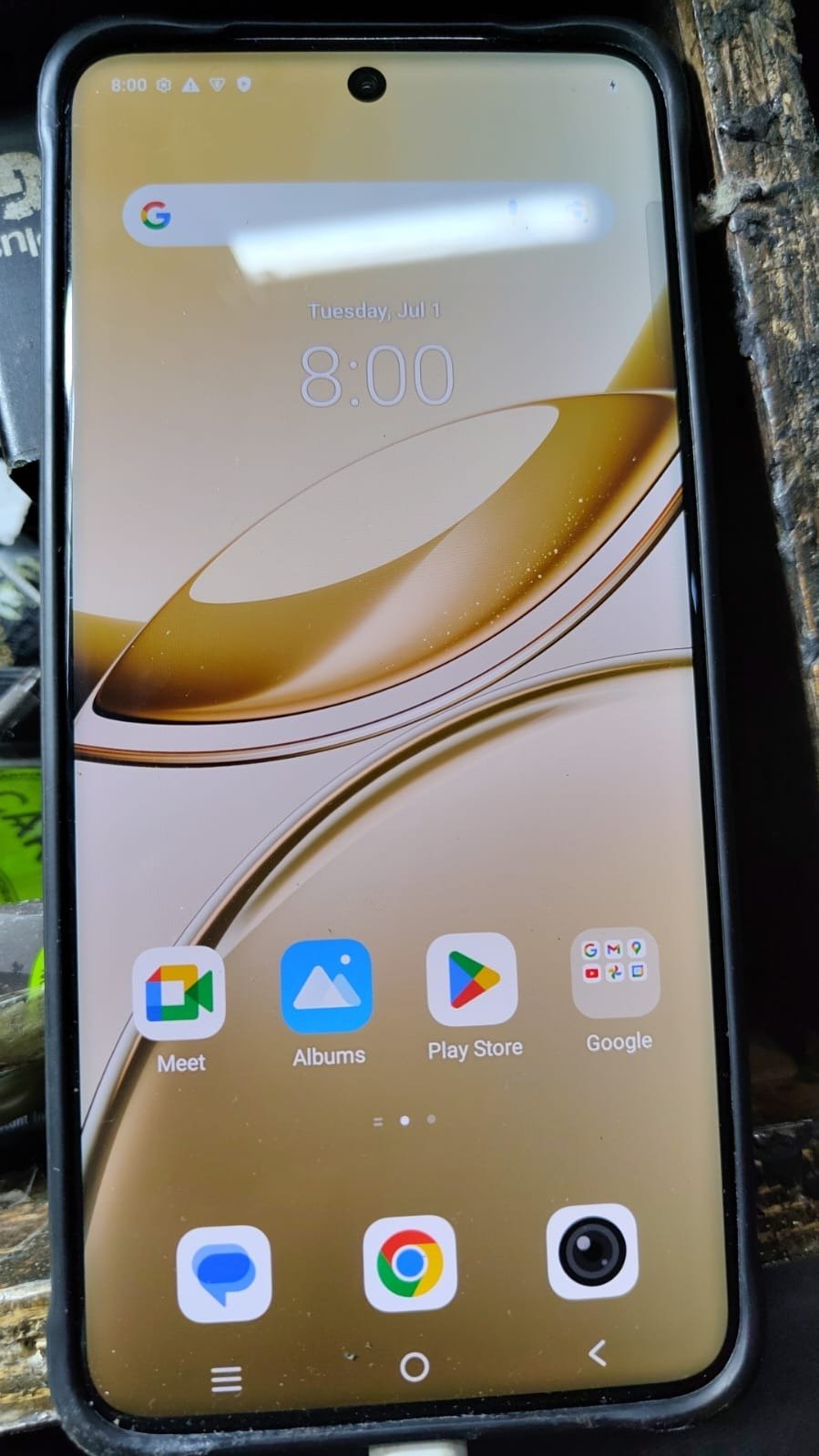
Factory Reset Protection (FRP) is designed to secure Android devices, but it can become a major issue when you forget your Google account credentials. If you are locked out of your device, you need a reliable and fast solution. This is where Vivo V50 FRP Unlock Genda Tool becomes essential.
The Vivo V50 FRP Unlock Genda Tool is a powerful mobile unlock program that allows both individual users and professional technicians to remove FRP locks quickly and safely. Whether you are running a repair shop or just trying to unlock your personal device, this guide will help you understand everything about the process.
In this detailed guide, we will cover features, installation, usage, troubleshooting, and more related to Vivo V50 FRP Unlock Genda Tool.
What is Vivo V50 FRP Unlock Genda Tool and Why It Is Needed
Vivo V50 FRP Unlock Genda Tool is a specialized phone unlock app designed to bypass Google FRP locks on Vivo devices. After a factory reset, Android devices require the previously synced Google account. If those credentials are lost, users are locked out.
Why You Need It:
- Remove Google account verification
- Unlock second-hand devices
- Fix FRP lock after reset
- Save time and money
Many users search for Vivo V50 FRP Lock Remove solutions, but not all methods are safe or reliable. This tool provides a trusted and efficient alternative.
Key Features of Vivo V50 FRP Unlock Genda Tool (Latest Version)
The Best Vivo V50 FRP Unlock Genda Tool 2025 comes with powerful features:
- Fast FRP unlocking within minutes
- Safe and secure process
- Easy-to-use interface for beginners
- Supports Vivo V50 FRP Unlock Without PC in some methods
- Regular updates and improvements
- High success rate across Android versions
- Compatible with multiple unlocking modes
The latest Vivo V50 FRP Unlock Genda Tool update ensures better stability and compatibility with newer firmware.
Supported Devices and Brands
While the primary focus is Vivo V50, the tool also supports:
- Vivo smartphones (various models)
- Android devices with FRP lock
- Selected Xiaomi, Oppo, and Realme devices
This makes it a versatile mobile unlock program for technicians.
Download and Installation Process
To start using Vivo V50 FRP Unlock Genda Tool, you need to download and install it properly.
Step-by-Step Installation Guide
- Download the latest version of the tool
- Extract the ZIP file on your computer
- Install USB drivers (Samsung or universal drivers)
- Disable antivirus temporarily (if required)
- Run the tool as Administrator
How to Register and Activate
- Open the Genda Tool
- Create a new account
- Purchase credits or activation plan
- Login using your credentials
- Activate the tool
How to Use Vivo V50 FRP Unlock Genda Tool
For Mobile Owners
If you are a normal user:
- Contact a technician or service provider
- Share your device details
- Follow instructions carefully
- Wait for the unlocking process
For Technicians
For professional use:
- Open the tool
- Connect the Vivo V50 via USB
- Select “FRP Remove” option
- Start the process
- Wait until completion
- Device will restart automatically
This method is widely used for Vivo V50 FRP Bypass operations.
IMEI Repair and Other Services
Apart from FRP unlocking, the tool may support:
- IMEI Repair
- Pattern lock removal
- Bootloader unlock
- Software flashing
These features make it a complete phone unlock app for repair shops.
Comparison with Other Tools
| Feature | Genda Tool | Free Tools | Local Shops |
|---|---|---|---|
| Success Rate | High | Low | Medium |
| Speed | Fast | Slow | Medium |
| Remote Access | Yes | No | No |
| Security | High | Low | Medium |
| Support | Available | Limited | Depends |
Safety Tips and Legal Considerations
When using Vivo V50 FRP Unlock Genda Tool, follow these guidelines:
- Use only on your own device
- Do not misuse for illegal activities
- Always verify ownership
- Backup your data before unlocking
- Use trusted sources for downloads
Troubleshooting Common Errors
Common Issues:
- Device not detected
- Tool not opening
- FRP removal failed
- Driver installation error
Solutions:
- Reinstall USB drivers
- Use updated version
- Check USB cable and port
- Restart PC and device
- Contact support team
Pricing and Subscription Plans
Pricing may vary depending on the provider:
- Basic FRP Unlock: $5–$10
- Advanced Unlock: $10–$20
- Full access tools: $30+
Plans include:
- Credit-based system
- Monthly subscription
- Lifetime activation
FAQs (Frequently Asked Questions)
What is Vivo V50 FRP Unlock Genda Tool?
It is a tool used to remove FRP lock from Vivo V50 devices.
Can I use Vivo V50 FRP Unlock Without PC?
Some methods allow it, but PC-based unlocking is more reliable.
Is it safe to use?
Yes, if used correctly and legally.
How long does it take?
Usually 5–15 minutes.
Where can I get Vivo V50 FRP Unlock Tool Download?
From trusted providers or official sources.
Final Thoughts + Call to Action
The Vivo V50 FRP Unlock Genda Tool is one of the most reliable solutions for bypassing FRP locks quickly and securely. Whether you are a beginner or a professional technician, this tool offers a simple and effective unlocking process.
If you are looking for a trusted Vivo V50 FRP Remove Genda Tool, this is the right choice for you.