
Your cart is currently empty!.
You may check out all the available products and buy some in the shop.
Continue Shopping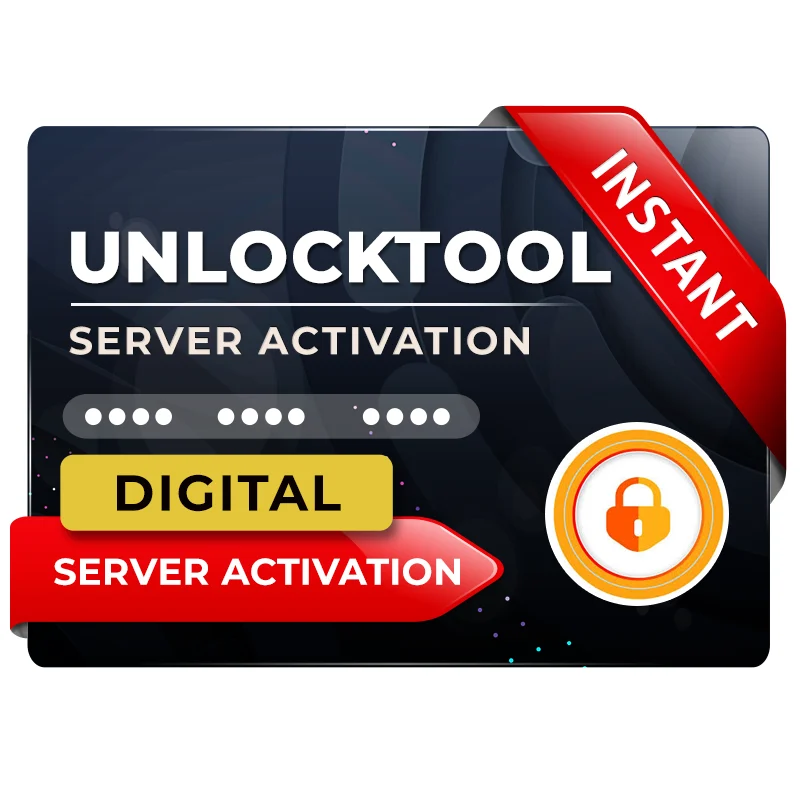
In stock
Original price was: ₹4,399.00.₹1,850.00Current price is: ₹1,850.00.



Android devices today often face issues like FRP lock, screen lock, and software errors. For mobile technicians and repair shop owners, these problems are part of daily work. Without the right tool, fixing such issues can be time-consuming and difficult.
This is where Unlock Tool 3 Months License becomes a powerful solution. It provides full access to professional-level features for unlocking, flashing, and repairing Android devices quickly and efficiently.
Whether you are a beginner or an experienced technician, this tool helps you save time, increase productivity, and deliver better service to your customers. In this guide, you will learn everything about Unlock Tool, including features, benefits, activation process, and real-world use cases.
Unlock Tool 3 Months License is a digital subscription that gives you full access to Unlock Tool software for three months. During this period, you can use all premium features without any restrictions.
After purchasing the license, you receive login credentials that allow you to access the software. The activation process is simple and fully online.
This tool is mainly used for solving Android software issues such as removing FRP locks, unlocking screen locks, flashing firmware, and repairing devices. It is regularly updated to support the latest smartphone models.
For technicians who work daily on mobile repairs, this license is a cost-effective and practical option compared to short-term plans.
Unlock Tool is designed to handle a wide range of Android-related problems. It works as an all-in-one solution for mobile repair professionals.
Common uses include:
Many users forget their Google account after resetting their phone, which leads to FRP lock. With Unlock Tool 3 Months License, this problem can be solved within minutes.
For example, if a customer brings a locked phone, you can unlock it quickly and efficiently, improving both your workflow and customer satisfaction.
Unlock Tool is known for its powerful and user-friendly features. It is suitable for both beginners and professionals.
Main features:
Advanced features:
These features make Unlock Tool one of the most reliable tools in the mobile repair industry.
Using Unlock Tool 3 Months License offers several advantages, especially for technicians and repair businesses.
Key benefits:
From a business perspective, this tool can help you increase your income. Each unlocking service can generate revenue, allowing you to recover your investment quickly.
For individual users, it also reduces dependency on service centers and saves repair costs.
Unlock Tool 3 Months License is ideal for a wide range of users.
Recommended for:
Beginners can also use it, but they should have basic knowledge of installing drivers and handling phone modes like Fastboot or EDL.
If you are new, it is better to practice on a few devices before using it professionally.
Activating Unlock Tool is simple if you follow the correct steps.
Steps to activate:
Important tips:
If you face any issues, support assistance is usually available.
To run Unlock Tool smoothly, your system should meet the required specifications.
Minimum requirements:
Recommended:
Using a better system improves performance and reduces processing time.
Unlock Tool is widely used in the Indian mobile repair market.
Example scenarios:
A second-hand phone comes with FRP lock
Solution: Remove lock using Unlock Tool
A device is stuck in bootloop
Solution: Flash firmware
User forgot pattern lock
Solution: Unlock without visiting service center
These real-life cases show how useful and practical the tool is for everyday work.
Pros:
Cons:
Overall, the advantages clearly outweigh the limitations.
There are many tools available in the market, but Unlock Tool stands out due to its performance and reliability.
Comparison highlights:
Because of these factors, Unlock Tool 3 Months License is often preferred by professionals.
The 3-month license is a smart investment, especially for technicians.
You get unlimited access during the subscription period, allowing you to work on multiple devices without restrictions.
If you unlock even a few devices daily, the earnings can quickly cover the cost of the license and generate profit.
This makes it a high-value tool for anyone in the mobile repair business.
To get the best results from Unlock Tool, follow these tips:
These small steps can significantly improve performance and success rate.
Unlock Tool 3 Months License is a powerful and reliable solution for anyone involved in mobile repair and unlocking services.
It offers speed, efficiency, and wide device support, making it a valuable tool for both professionals and advanced users.
If you are serious about improving your workflow and increasing your income, this tool is definitely worth considering.
Start with the 3-month plan, learn the features, and gradually scale your work with confidence.



Out of stock

Out of stock

Out of stock