
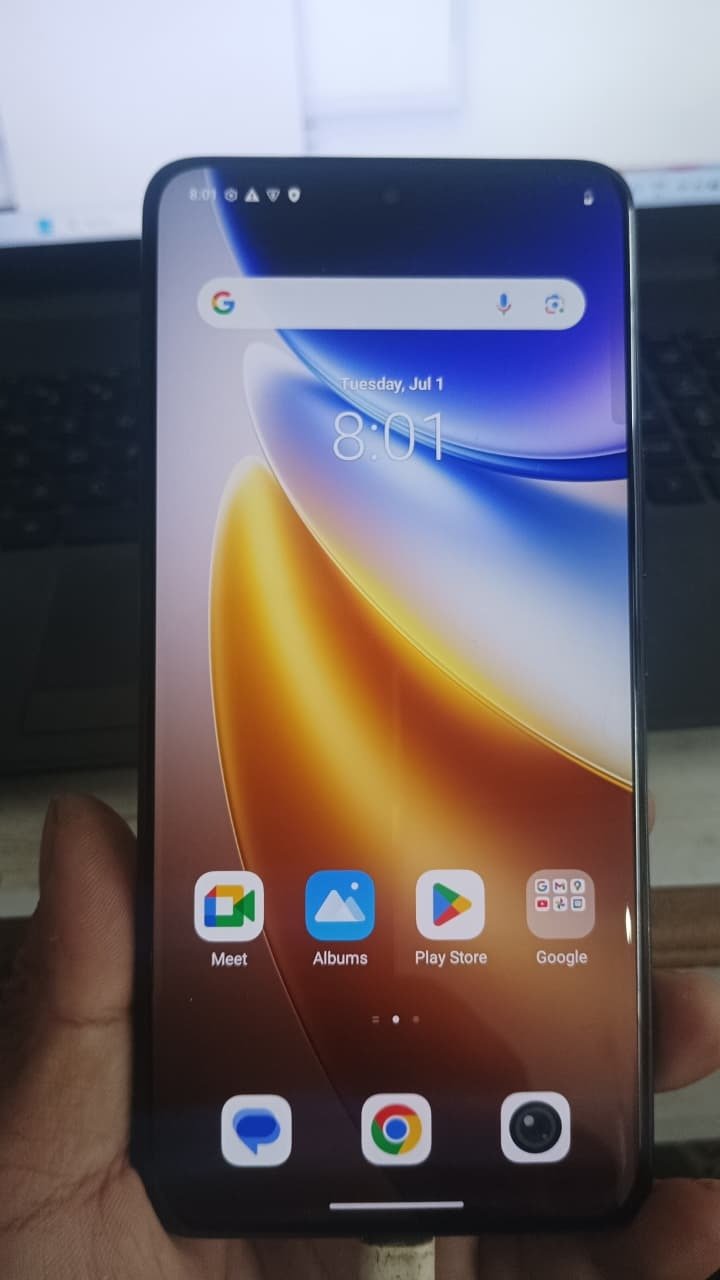
Factory Reset Protection (FRP) is an essential security feature designed to protect Android devices from unauthorized access. However, it often becomes a challenge when users forget their Google account credentials. In such cases, Vivo T4r 5G FRP Unlock becomes necessary to regain access to the device.
With advancements in unlocking technology, remote services have become the most efficient way to handle FRP issues. Whether you are an individual user or a professional technician, this guide will help you understand everything about Vivo T4r 5G FRP Unlock Remote Service.
What is Vivo T4r 5G FRP Unlock and Why It is Needed
Vivo T4r 5G FRP Unlock is the process of removing Google account verification from a device after it has been reset.
Why FRP Lock Occurs:
- Forgotten Google account credentials
- Buying a second-hand phone
- Factory reset without removing account
- Software or update-related issues
Issues Users Face:
- Device stuck on Google verification screen
- Unable to access phone features
- No option to skip login
Using Vivo T4r 5G Google Account Remove, users can unlock their device safely and quickly.
Key Features of Vivo T4r 5G FRP Unlock (Latest Version)
The latest Vivo T4r 5G FRP Unlock update offers powerful features:
- Fast remote unlocking process
- Secure and safe server-based method
- No need for physical tools or boxes
- Compatible with latest firmware
- High success rate
- Easy process for beginners
- Suitable for technicians and businesses
This makes it one of the Best Vivo T4r 5G FRP Unlock 2025–2026 solutions.
Supported Devices and Brands
This solution primarily supports:
Vivo Devices:
- Vivo T4r 5G
- Vivo T Series
- Vivo V and Y Series
Other Supported Brands:
- Xiaomi (Mi / Redmi)
- Samsung (selected models)
- OPPO and Realme
This makes it a versatile mobile unlock program.
Download and Installation Process
For Vivo T4r 5G FRP Unlock Remote Service, there is:
- No software download required
- No installation needed
- No complex setup
Everything is handled remotely by professionals.
Step-by-Step Installation Guide (Remote Process)
- Contact support team via WhatsApp or Telegram
- Share device model and issue details
- Follow connection instructions
- Technician connects remotely
- Unlocking process begins
- Device successfully unlocked
How to Register and Activate
- No manual registration required
- Service activated by technician
- Secure remote session used
How to Use Vivo T4r 5G FRP Unlock (For Users and Technicians)
For Individual Users:
- Simple and guided process
- No technical skills required
- Quick solution without hassle
For Technicians:
- Offer Vivo T4r 5G FRP Unlock Remote Service
- No need for expensive tools
- Increase business revenue
IMEI Repair and Other Services
Along with Vivo T4r 5G FRP Bypass, additional services may include:
- IMEI repair (supported models only)
- Software flashing
- Unlocking additional locks
- Device optimization
Comparison with Other Tools
| Feature | Remote Service | Traditional Tools |
|---|---|---|
| Setup Required | No | Yes |
| Technical Skills | Not required | Required |
| Success Rate | High | Medium |
| Time Required | Fast | Slow |
| Cost Efficiency | Better | Expensive |
Safety Tips and Legal Considerations
Safety Tips:
- Use trusted service providers
- Avoid unofficial tools
- Follow instructions carefully
Legal Considerations:
- Unlock only authorized devices
- Follow local regulations
Troubleshooting Common Errors
Common Issues:
- Device not detected
- Internet connectivity issues
- USB connection problems
Solutions:
- Use stable internet
- Use original cables
- Follow technician instructions
Pricing and Subscription Plans
Pricing for Vivo T4r 5G FRP Unlock Remote Service depends on:
- Device model
- Security patch level
- Service urgency
General Pricing:
- Per-device pricing
- Bulk discounts for technicians
- Affordable service plans
FAQs
What is Vivo T4r 5G FRP Unlock?
It is the process of removing Google account verification from the device.
Is it safe?
Yes, when done via professional remote service.
Can it be done without PC?
Yes, Vivo T4r 5G FRP Unlock Without PC is possible.
How long does it take?
Usually 15–30 minutes.
Does it support latest updates?
Yes, including latest Vivo T4r 5G FRP Unlock updates.
Final Thoughts + Call to Action
Vivo T4r 5G FRP Unlock is the most effective solution for bypassing Google account locks. Remote services make the process fast, secure, and accessible for everyone.
Whether you are an individual user or a technician, this method saves time and effort while delivering reliable results.
